Text in a UIVisualEffectView Readable on Any Background
We all love the blur effect on iOS.
It is great to give some sense of context and can be visually decent.
However, when it comes to displaying text on some blurred UIView, you will recognize, that it will look … strange. You can make it look good on a black background or a white background, as the next images will show.
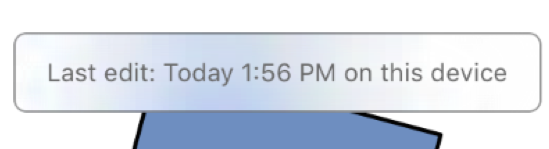
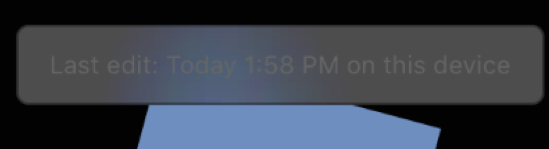
'Then use vibrancy' you might say.
Good point but it won’t help much:
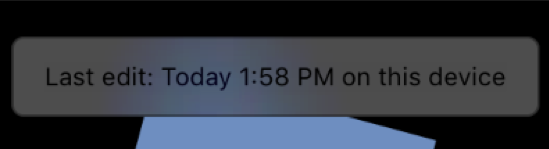
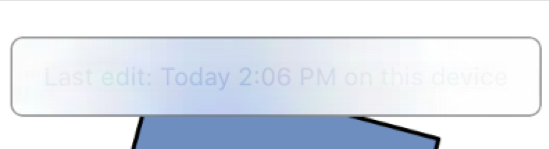
Show Me The Solution
Set the background color of the UIVisualEffectView to a partially opaque white. Skip the vibrancy effect, make the text color a black with 70% opacity. For the border of your view, use a black with 40% opacity so it doesn’t compete with the text.
TADA:

On the left, you see a vibrancy effect and on the right you can see what this approach looks like.
Thanks for your attention, please move on.